Vercel adds project and product budgets to Spend Management
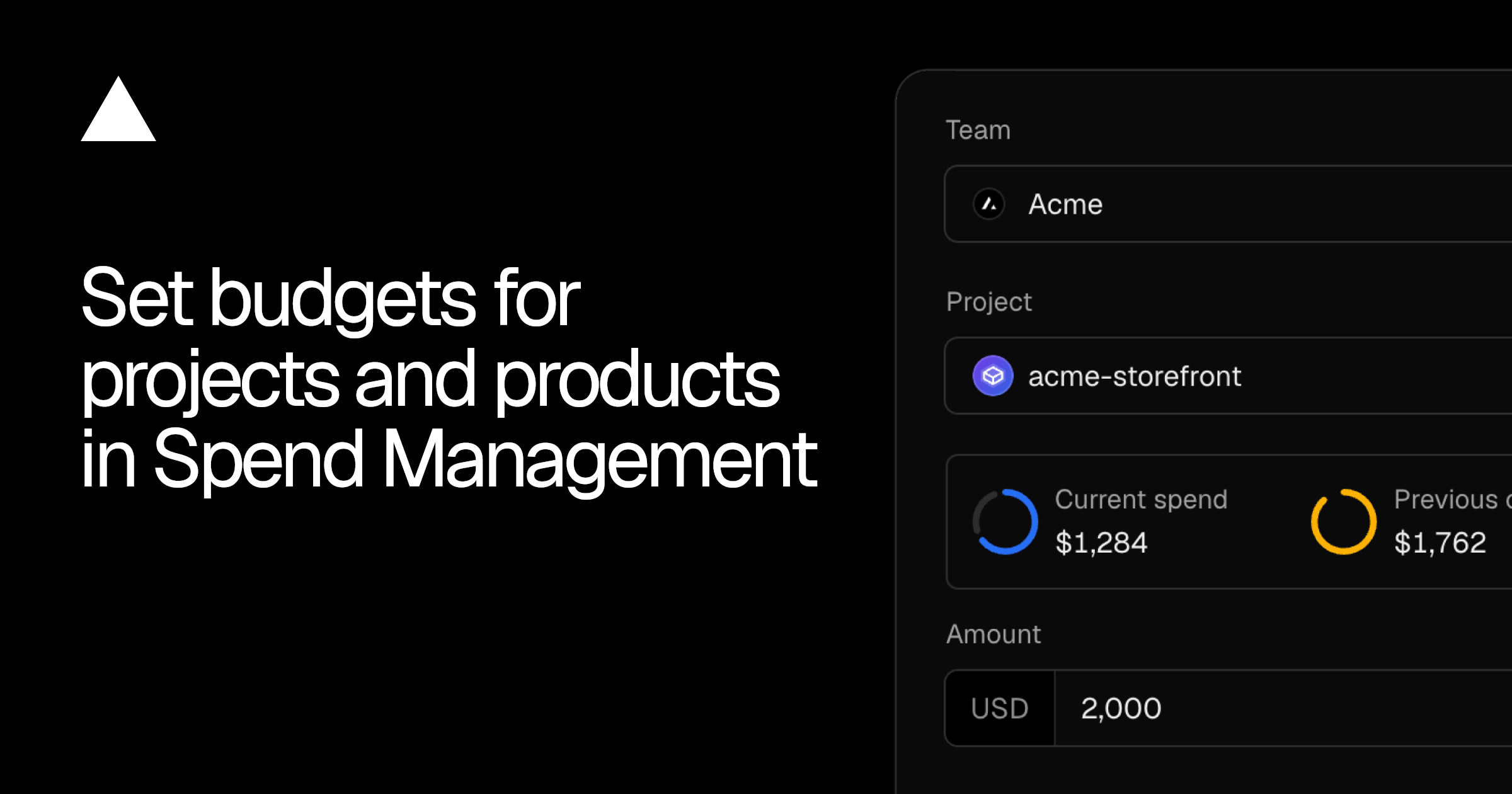
Vercel's Spend Management now supports budgets for individual projects and products, in addition to existing team budgets. Vercel sends notifications at 50%, 75%, and 100% of each budget, and only team and project budgets can automatically pause production deployments.
Why it matters
Builders running multiple projects on one Vercel team can cap spend per project or per product (such as Fast Data Transfer) without affecting other projects, and can optionally pause a project's production deployments when its budget is reached.
Who should care
Agencies and developers running multiple projects on Vercel, teams with metered usage on specific products, Pro and Enterprise account owners.
What you can do
Open the Spend Management page in the Vercel dashboard or use the Vercel CLI to set a budget on your highest-spending project and configure whether it should pause production deployments at 100%.