

Objects and materials
39 shapes and 13 materials, drawn by the editor itself. Open a shape to start a canvas with it on, then change what it is made of, how it is lit and how it moves.
3D10
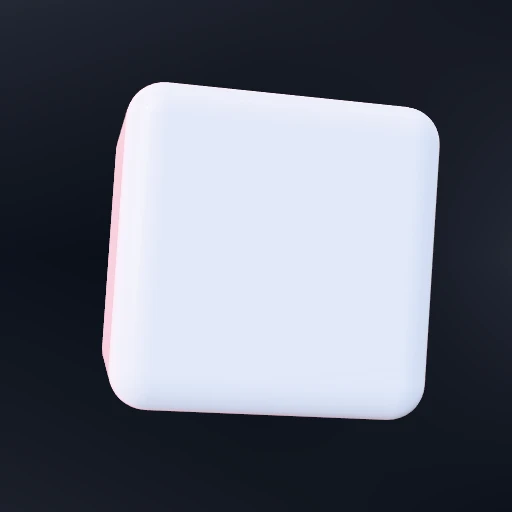
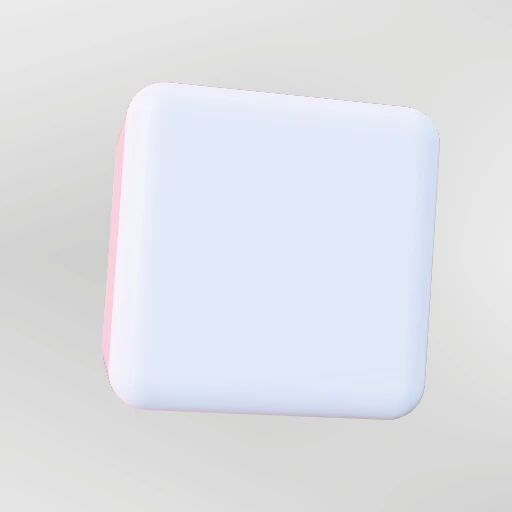 OpenCubeA box with rounded edges. The rounding is what catches the light.
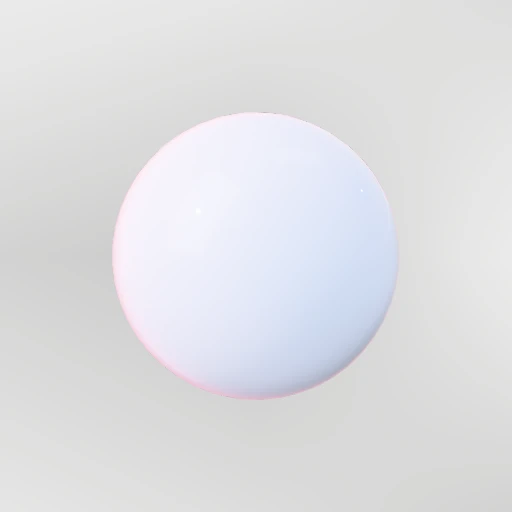 OpenSphereThe reference object. Anything reflective reads correctly on it.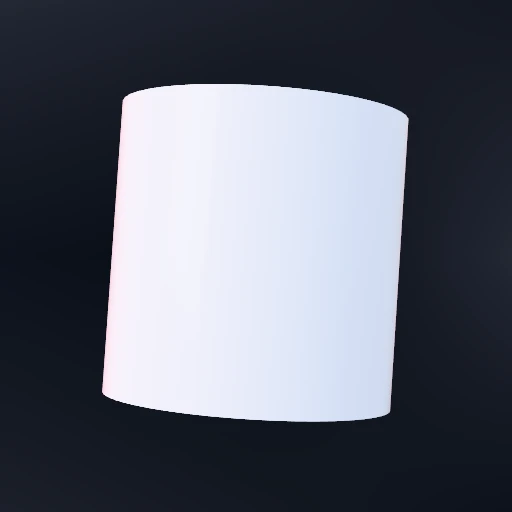
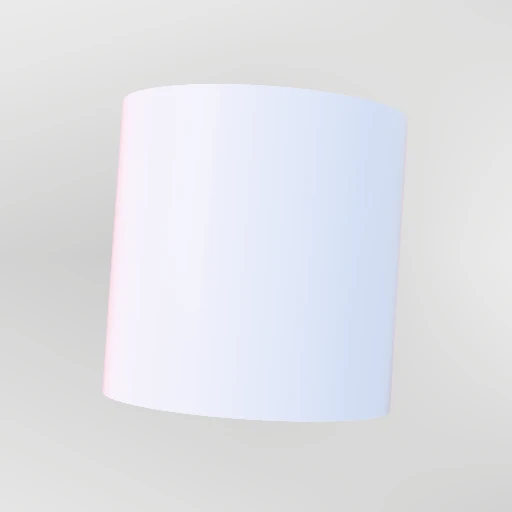 OpenCylinderTaper the top for a cone, or widen it into a disc.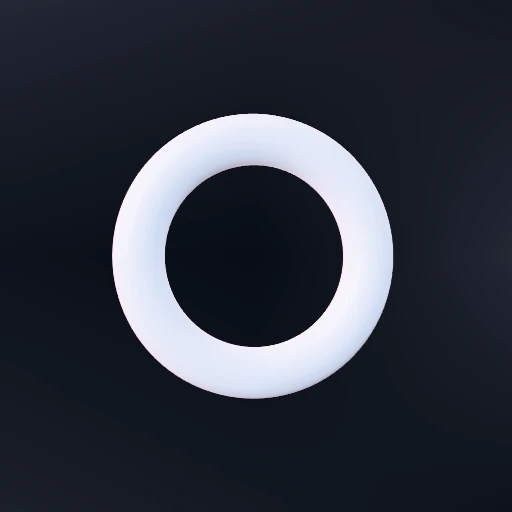
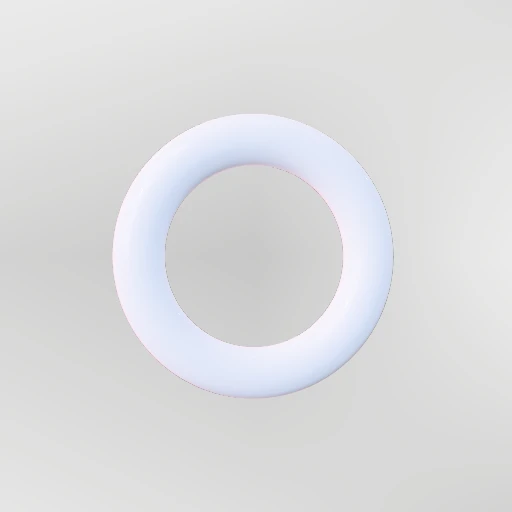 OpenTorusA ring with real thickness, so you can see through the hole.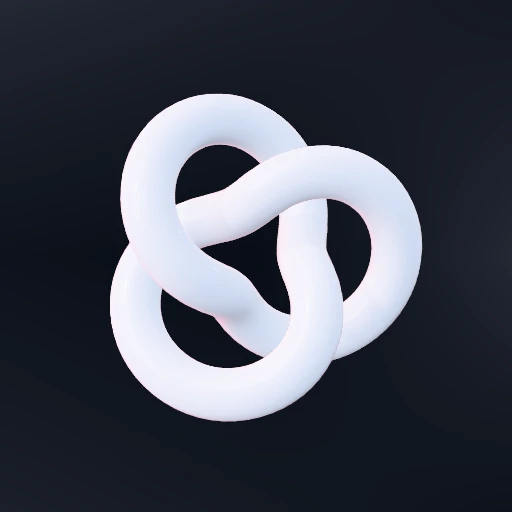
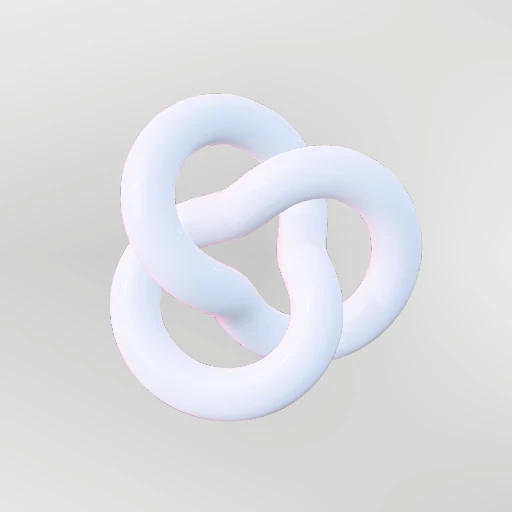 OpenTorus knotLoops through itself, which is the quickest way to see a material work.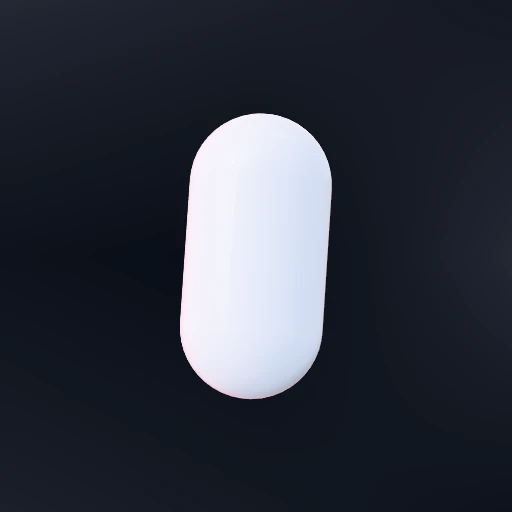
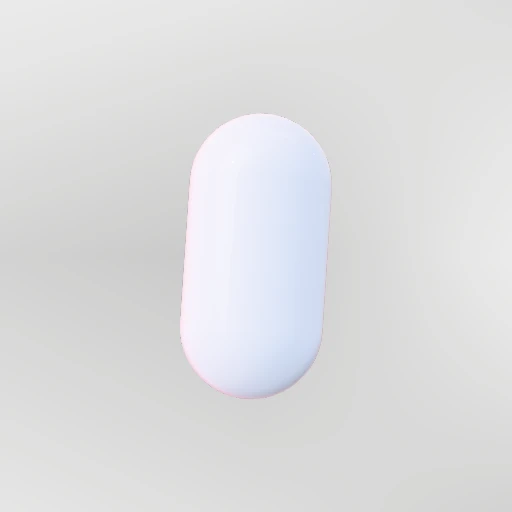 OpenCapsuleA pill. Reads as a soft, manufactured object.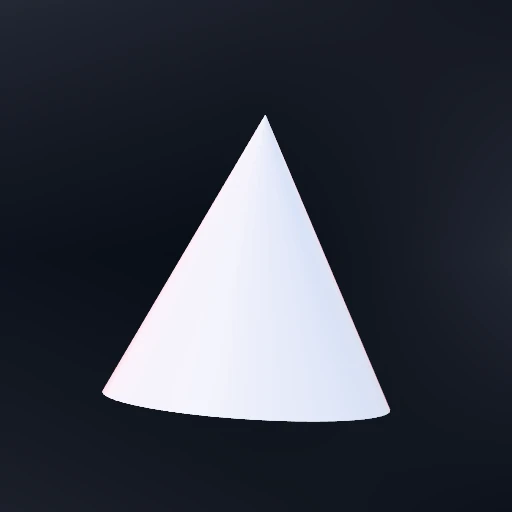
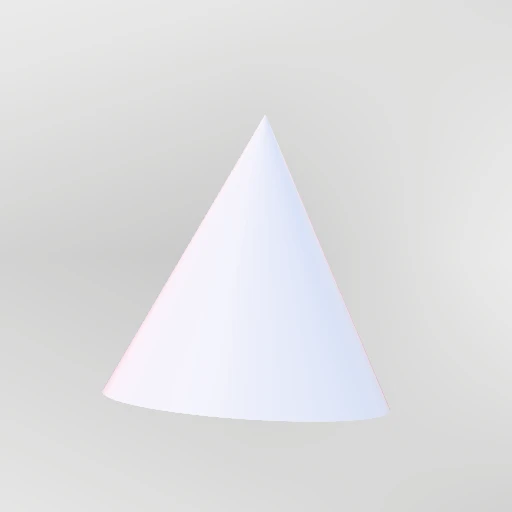 OpenConeRound base to a single point. Round the tip to soften it.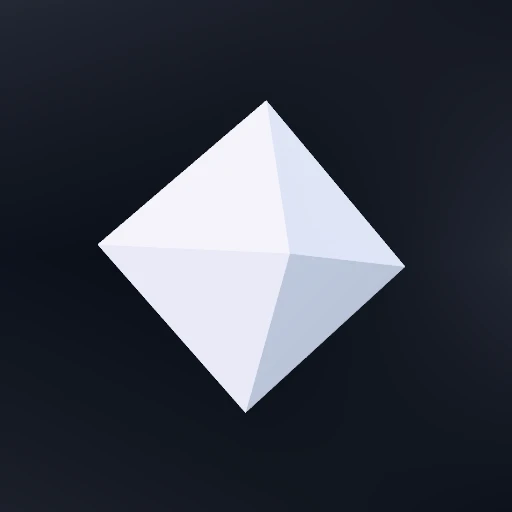
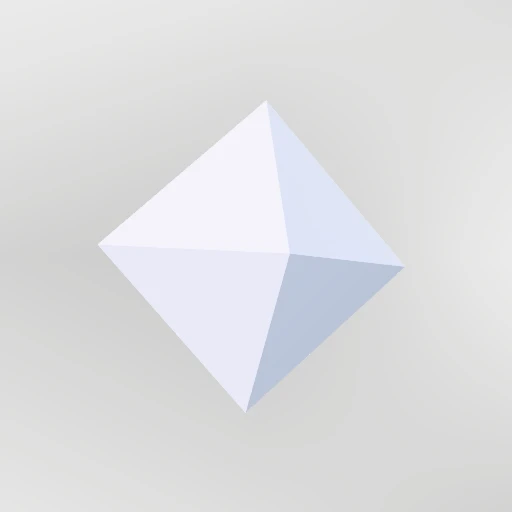 OpenGemFlat facets that each catch the light separately. Best in chrome or glass.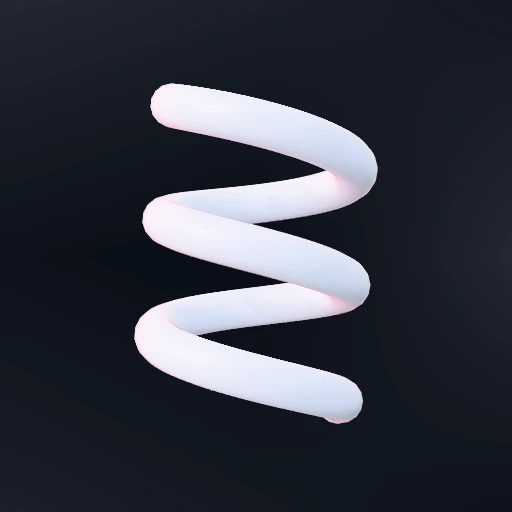
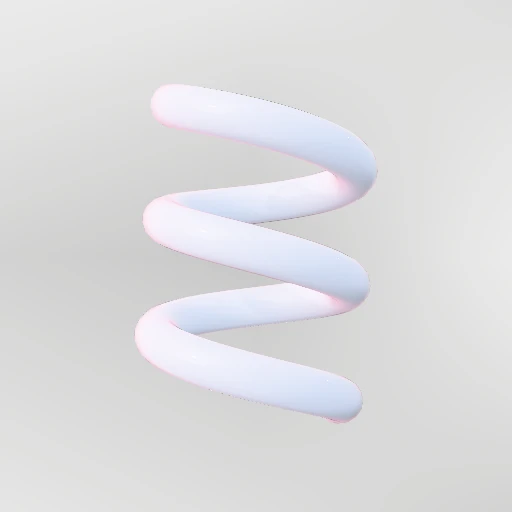 OpenHelixA tube wound around an axis. Turns and thickness are the whole shape.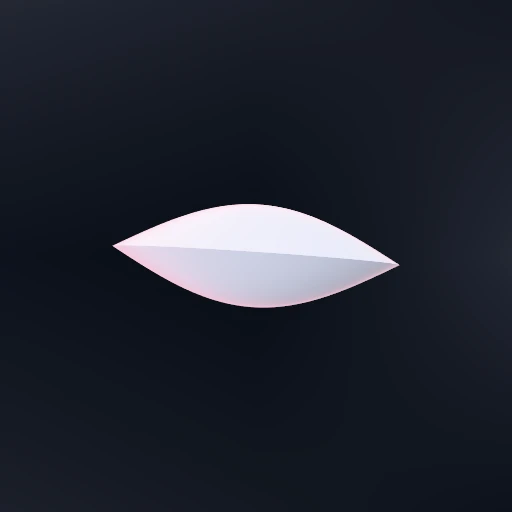
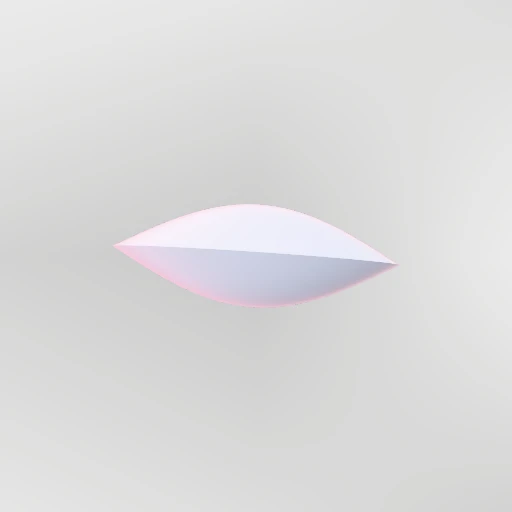 OpenLensBiconvex, like a magnifier. It genuinely refracts what is behind it.
Extruded8
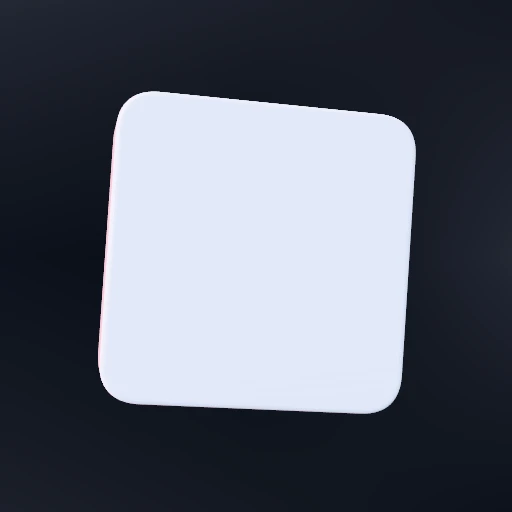
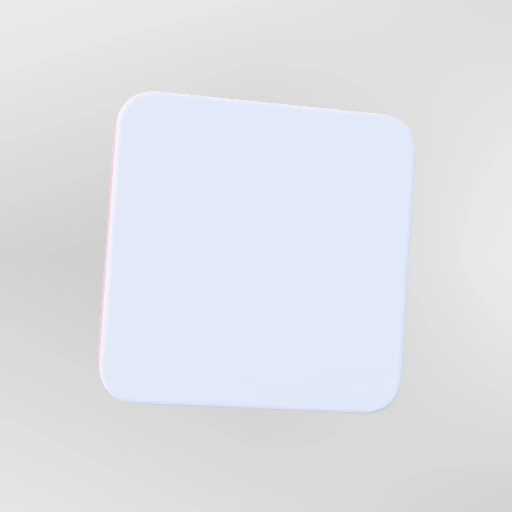 OpenRectangleA rounded rectangle with thickness. The workhorse for cards and panes.
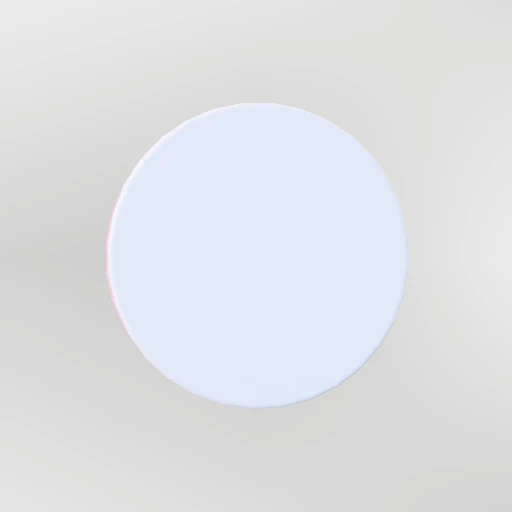 OpenCircleAn extruded disc. Flatten the depth for a plain circle.
 OpenPolygonThree sides upward. Rounding the corners is what stops it looking like clip art.
 OpenStarPoints and how deep the notches cut. A shallow notch gives a flower.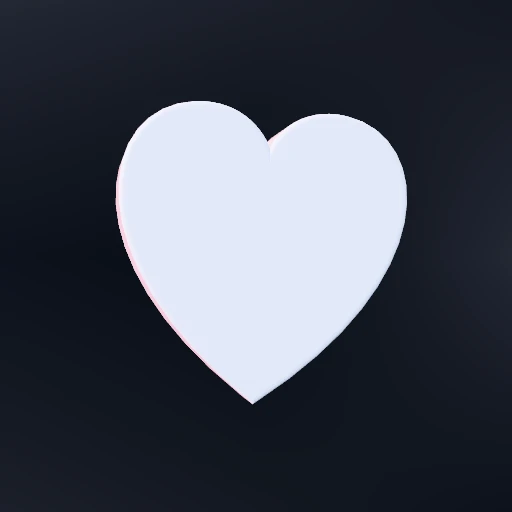
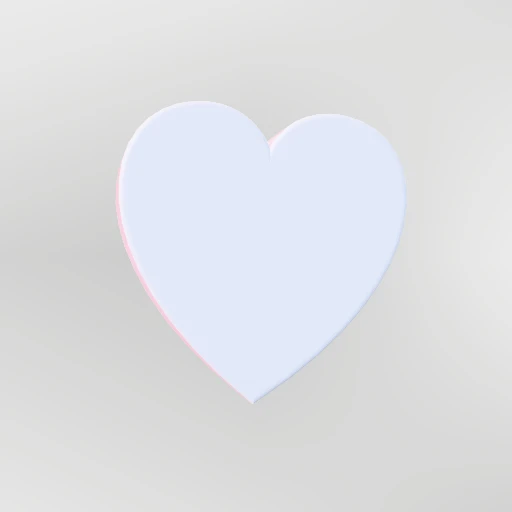 OpenHeartBuilt from curves rather than a formula, so the cusp stays sharp.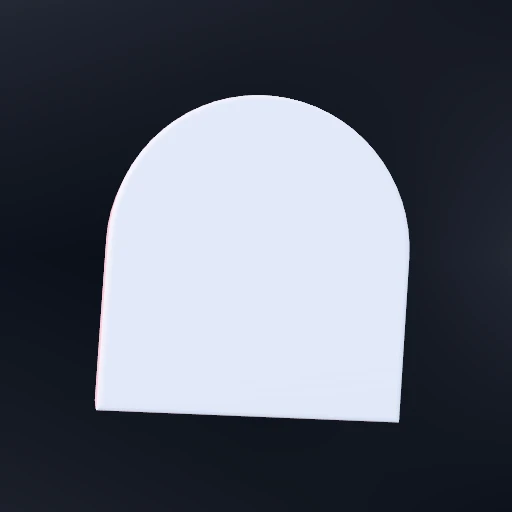
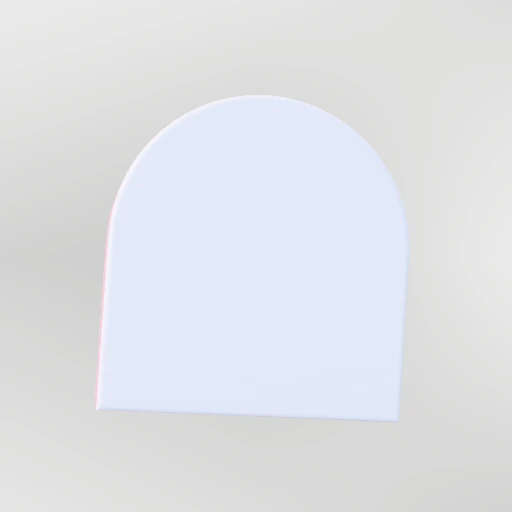 OpenArchA doorway. Square below, half-round above.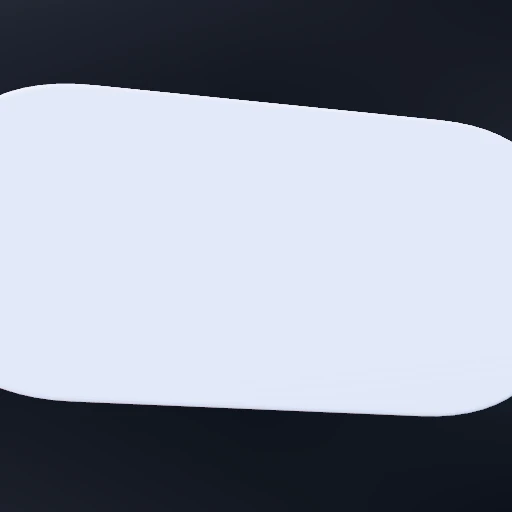
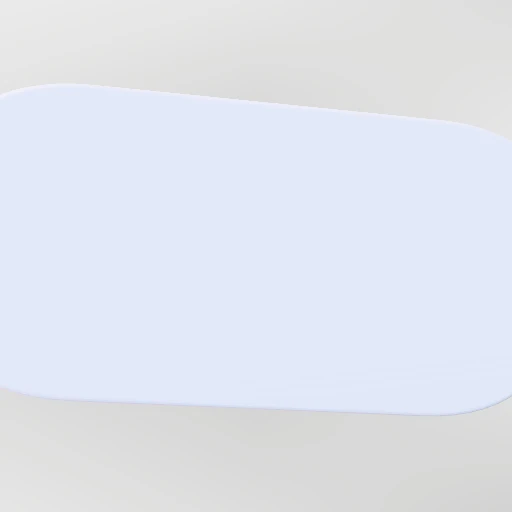 OpenPillA rounded bar. The shape a tag or a button wants to be.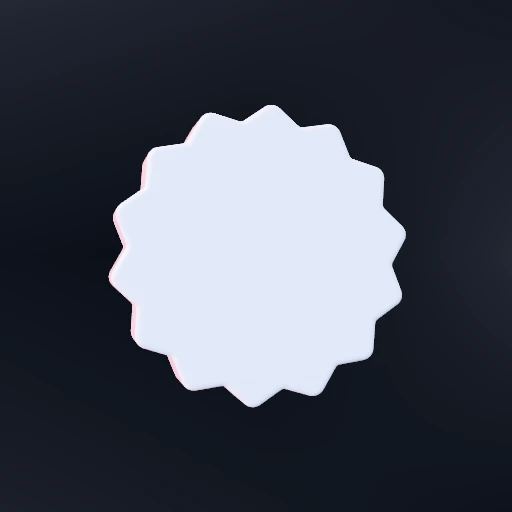
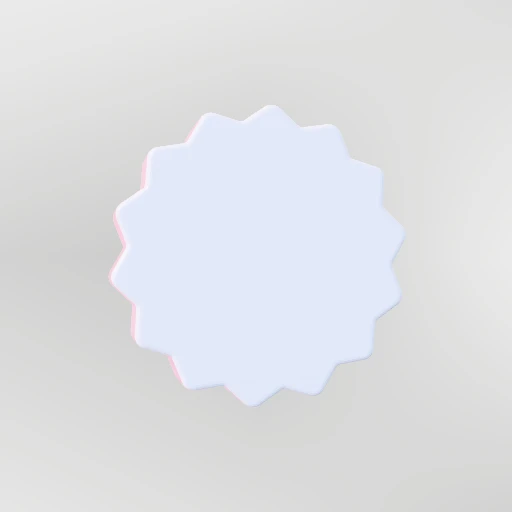 OpenBurstMany shallow points. A sticker, a sunburst, a flower.
Elements13
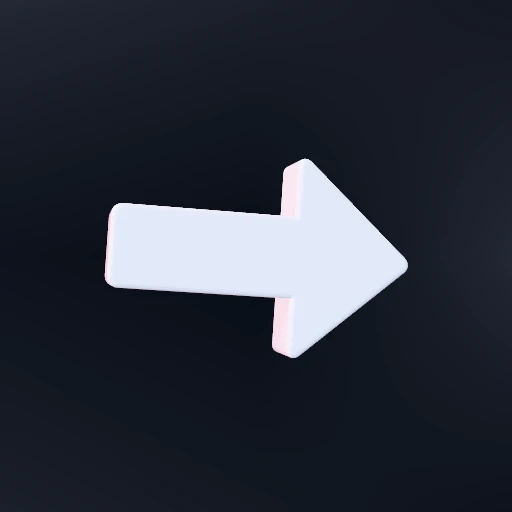
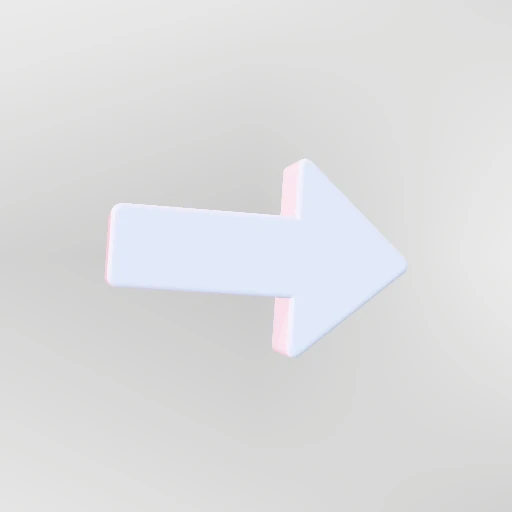 OpenArrowPoints at the thing you want read next. The head always overhangs the shaft.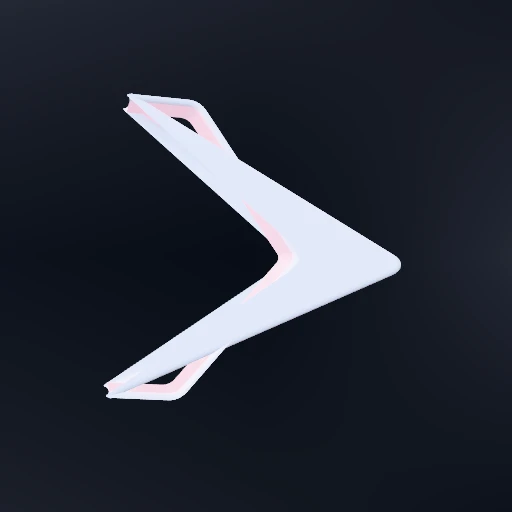
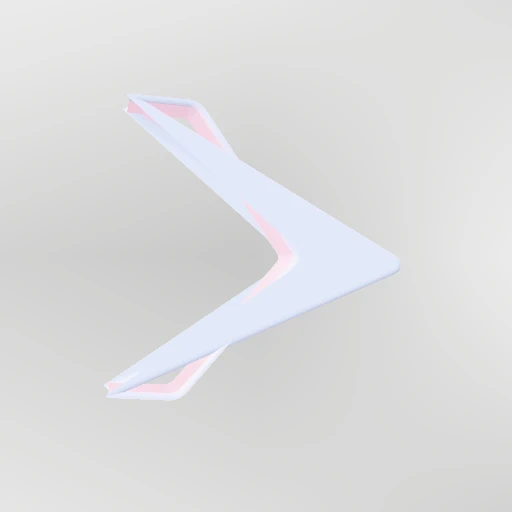 OpenChevronAn arrowhead with the shaft taken out. Reads as direction without naming a thing.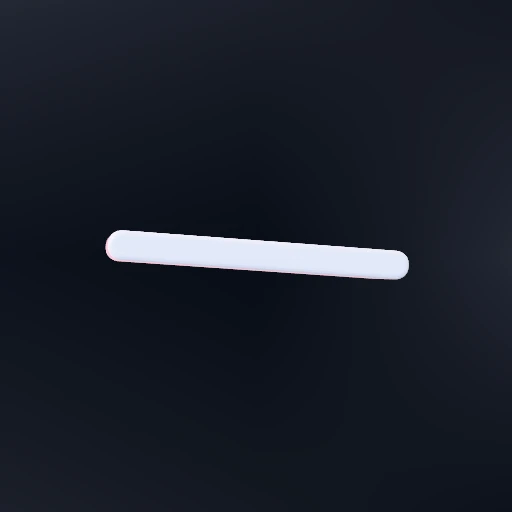
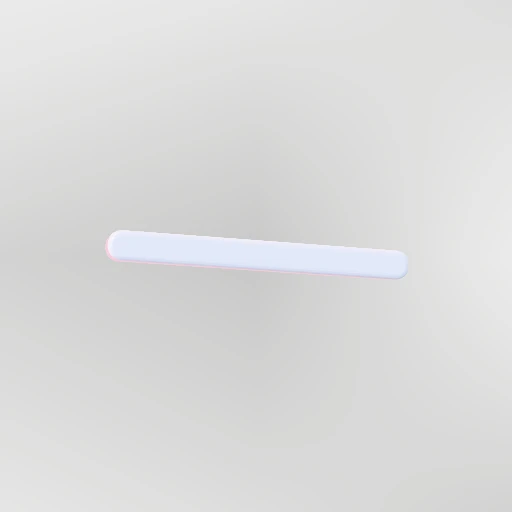 OpenRuleA line with real thickness. Underlines, dividers, and the bar under a heading.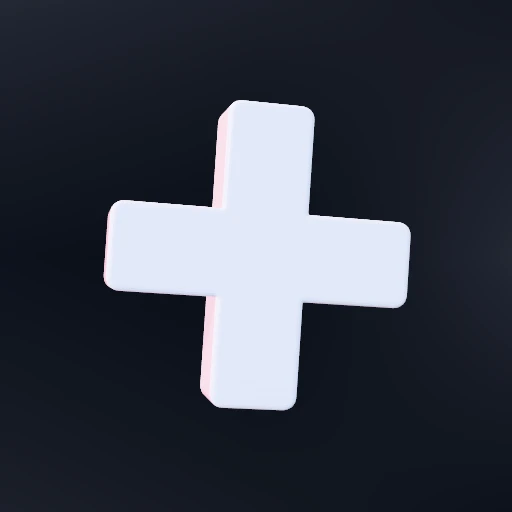
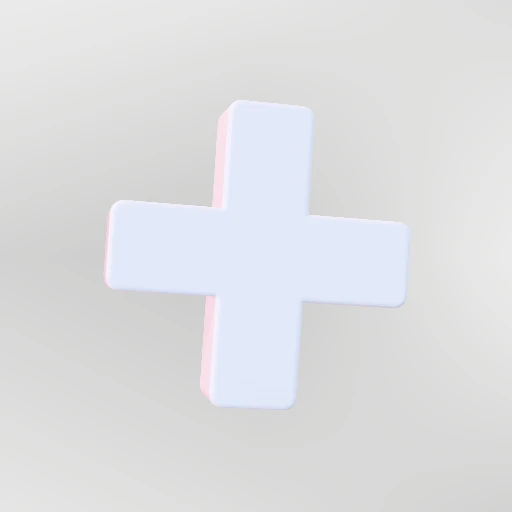 OpenPlusA plus, or a cross when it is turned. The arm sets how heavy it reads.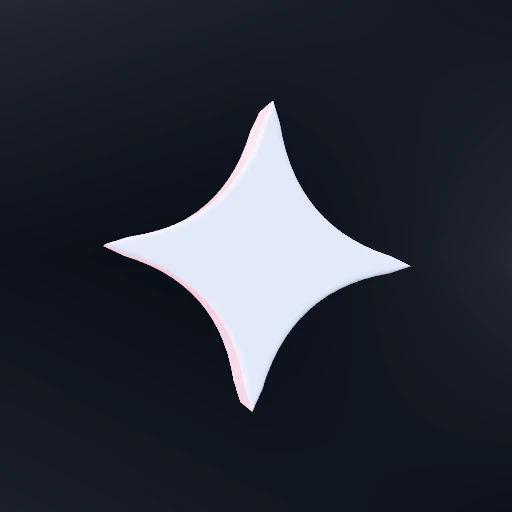
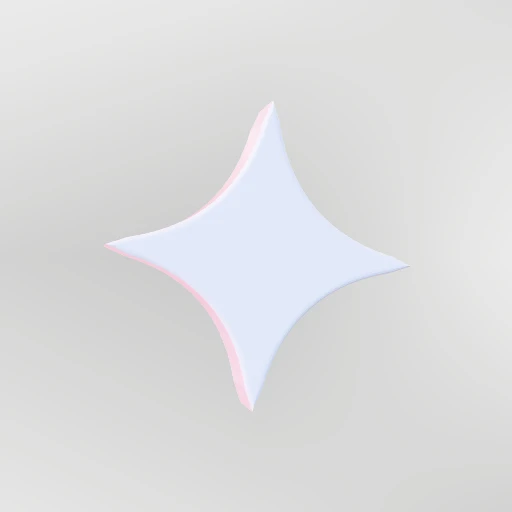 OpenSparkleFour points with the sides curving in. Not a star: a star's sides are straight.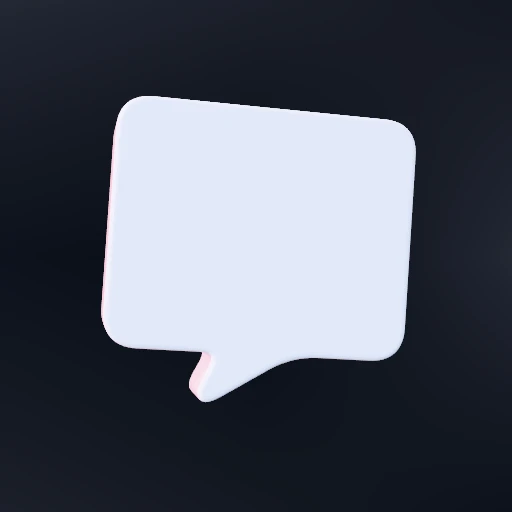
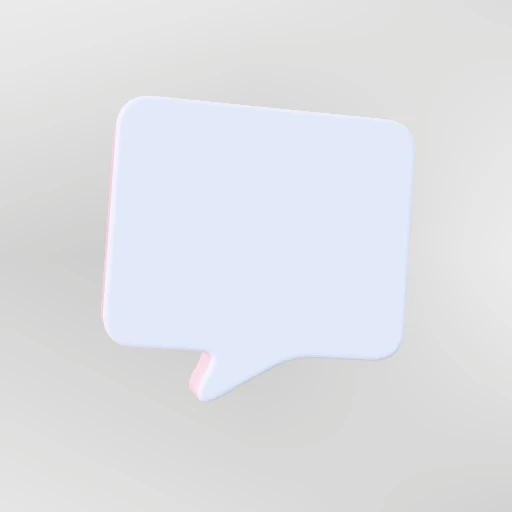 OpenSpeech bubbleA panel with a tail. Put type in front of it and it is a callout.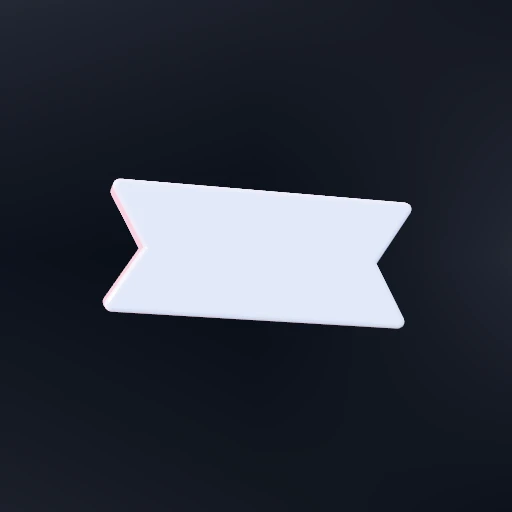
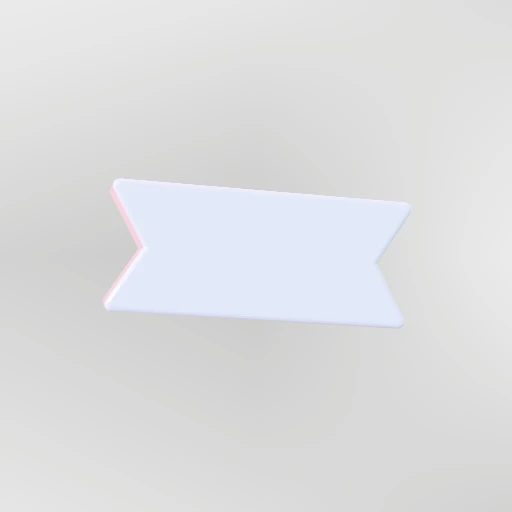 OpenBannerA band with a V cut from each end. The oldest way to label something.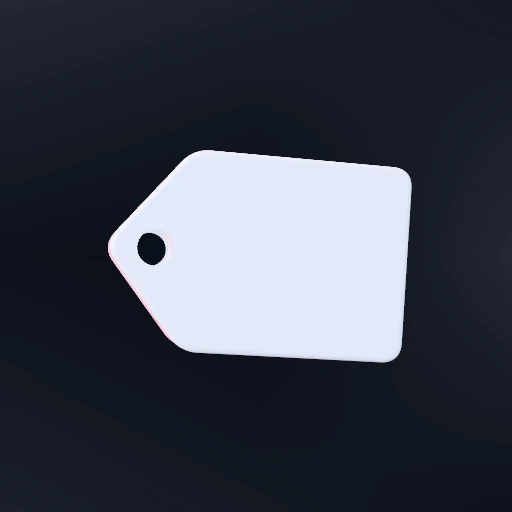
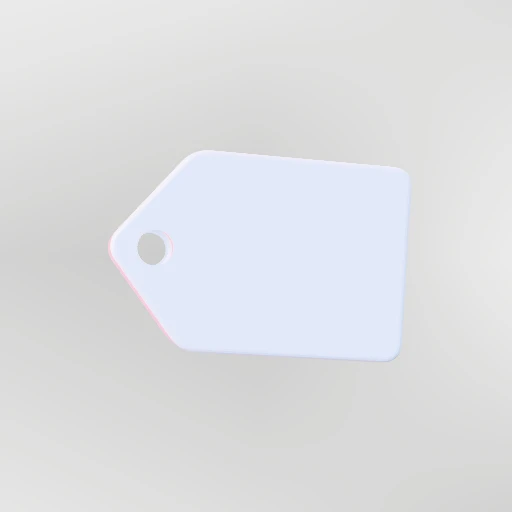 OpenTagPointed at one end, punched at the other. A price, a label, a category.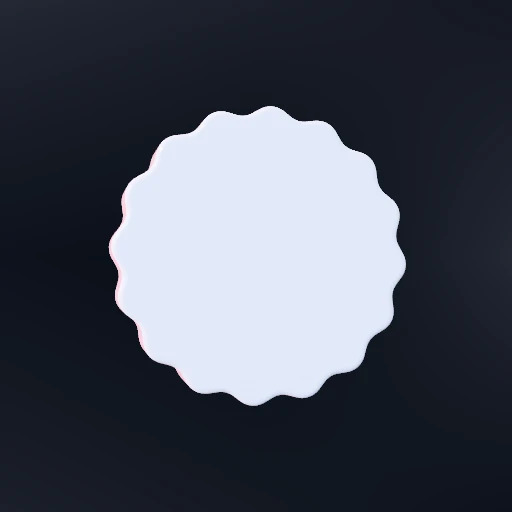
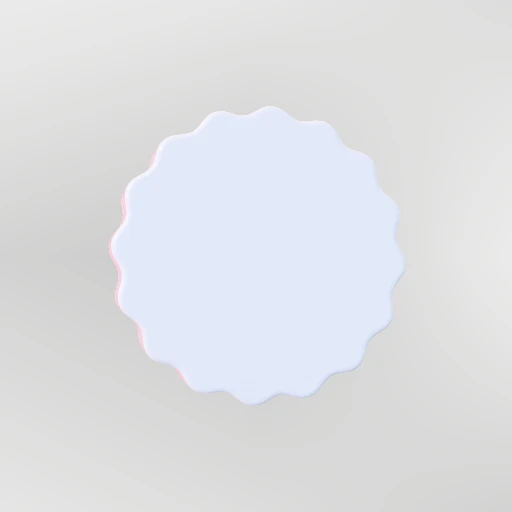 OpenSealA scalloped disc. What a stamp, a rosette and a certificate all borrow from.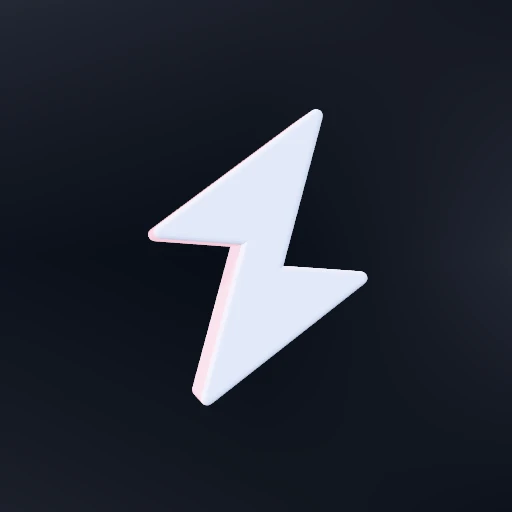
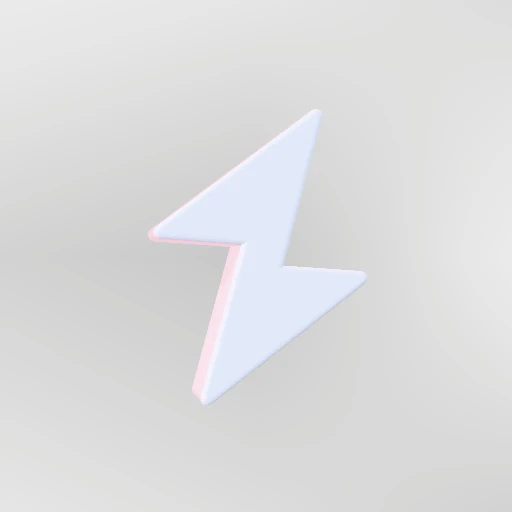 OpenBoltLightning. Six points, and every one of them matters.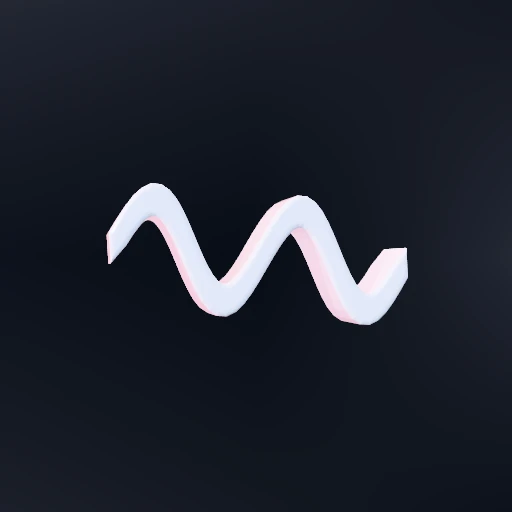
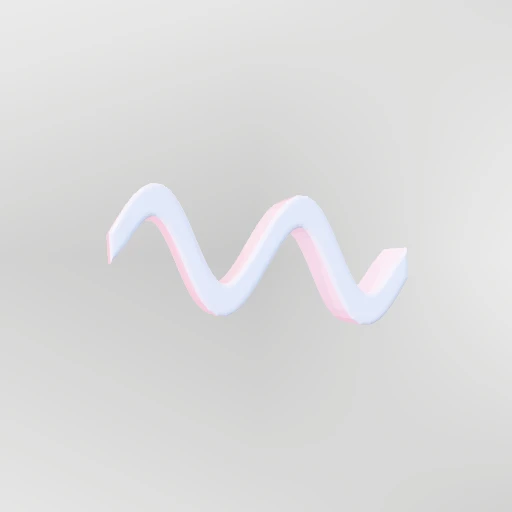 OpenSquiggleA sine given thickness. Underline a word with it and the word moves.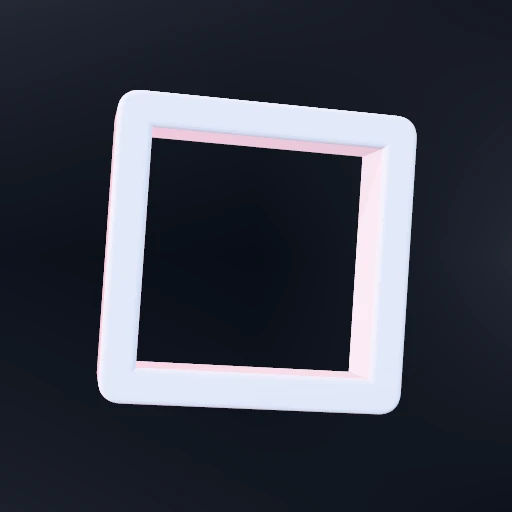
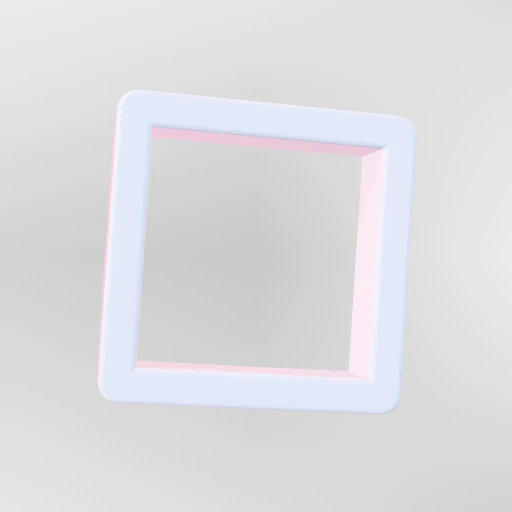 OpenFrameA rectangle with the middle gone. Put the composition through the hole.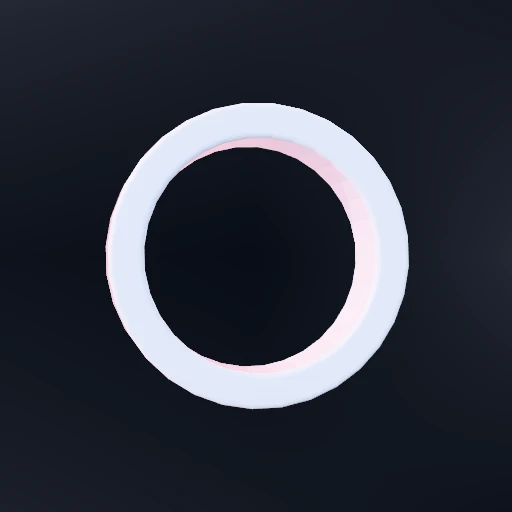
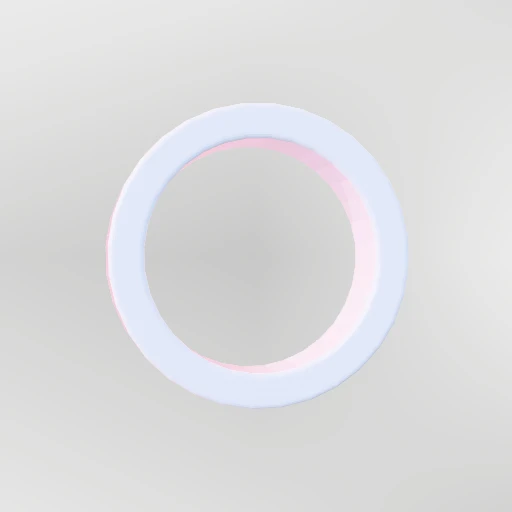 OpenRingFlat on, so it reads as a drawn circle rather than as a doughnut.
Organic6
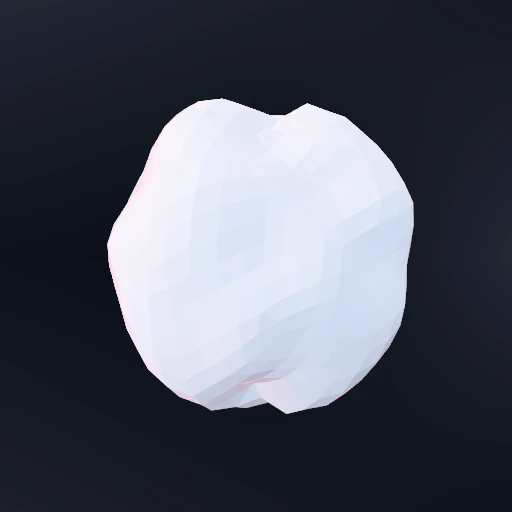
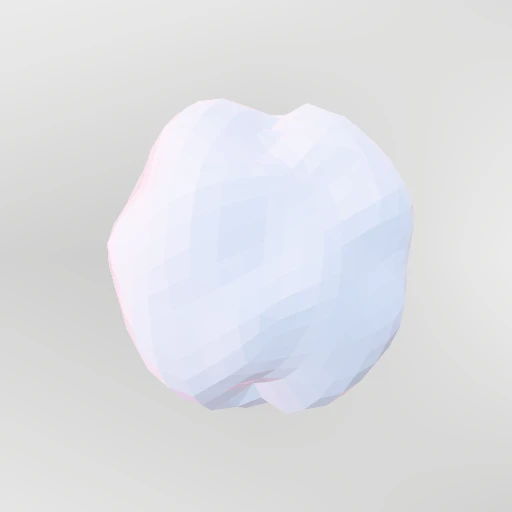 OpenBlobA sphere pushed out of round. Two or three lobes reads as organic.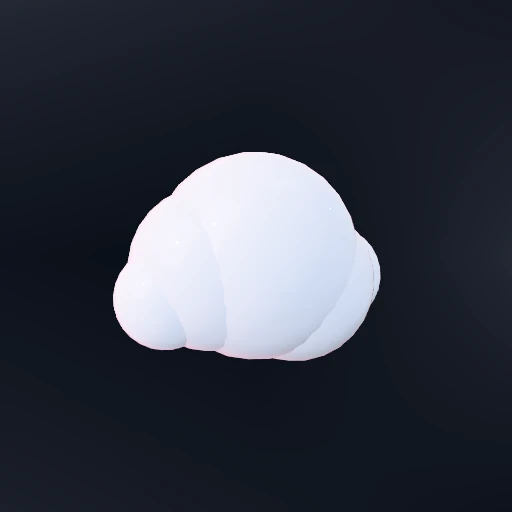
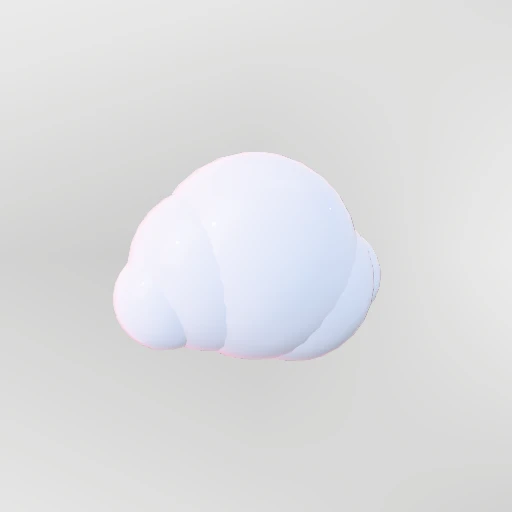 OpenCloudOverlapping spheres. Soft, and it reads as volume from any angle.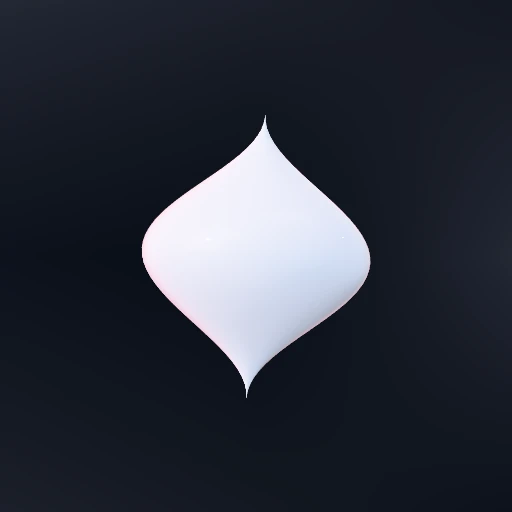
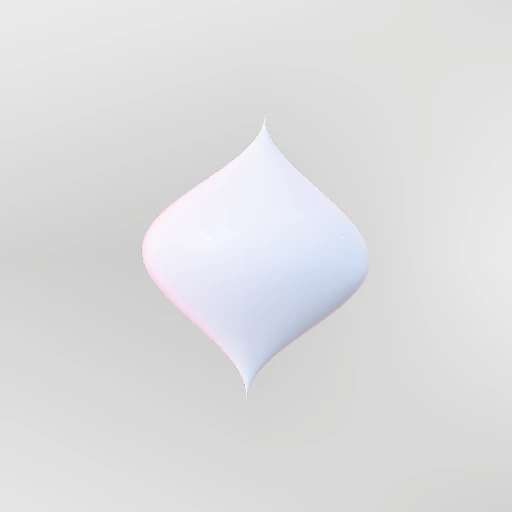 OpenDropA bead of liquid, round below and drawn to a point above.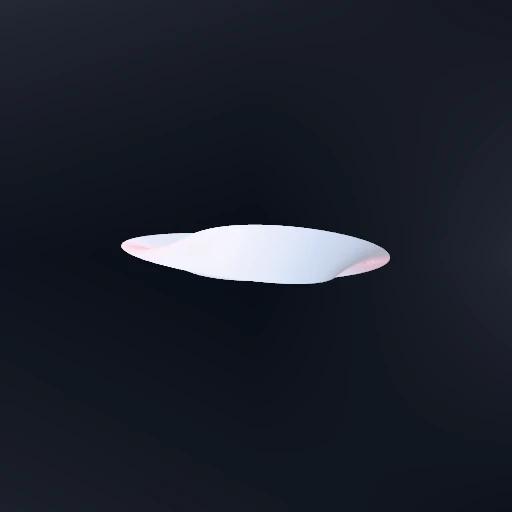
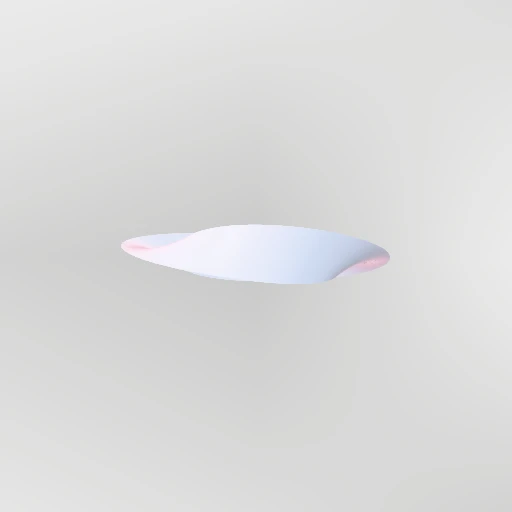 OpenCoilA band with a twist in it. Catches light differently along its length.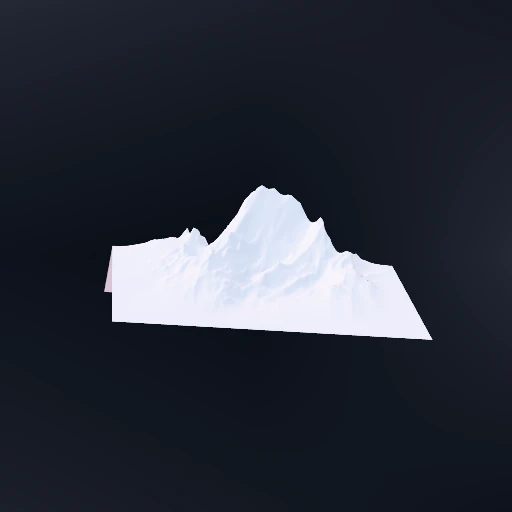
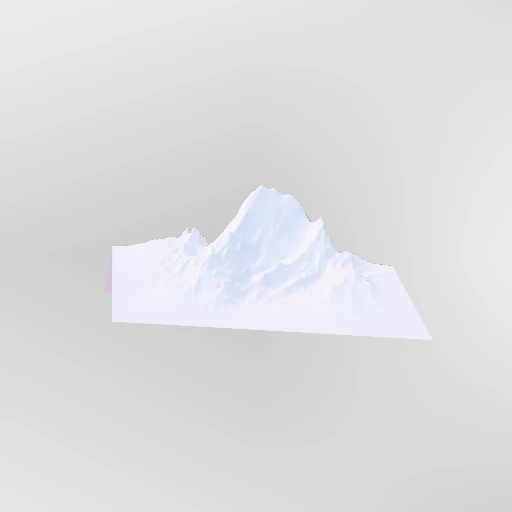 OpenTerrainA ridge of rock, silhouetted. Ridged noise, tipped away from the camera.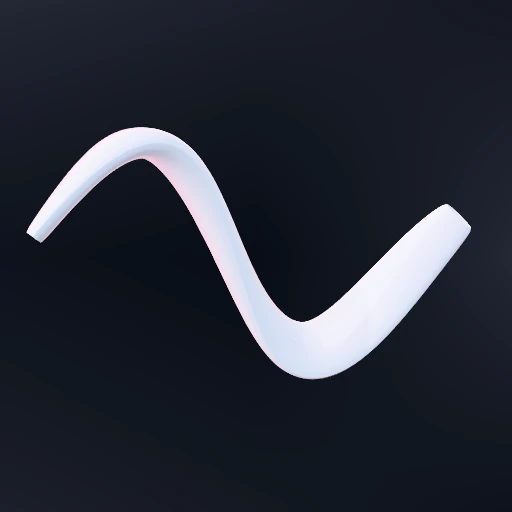
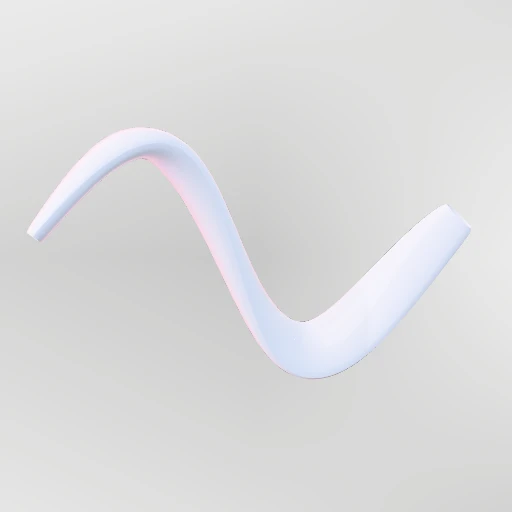 OpenFlowA band swept along a curve, swelling and tapering. The liquid ribbon.
Materials13
Each one on the same sphere, so the only difference between two cards is the material.
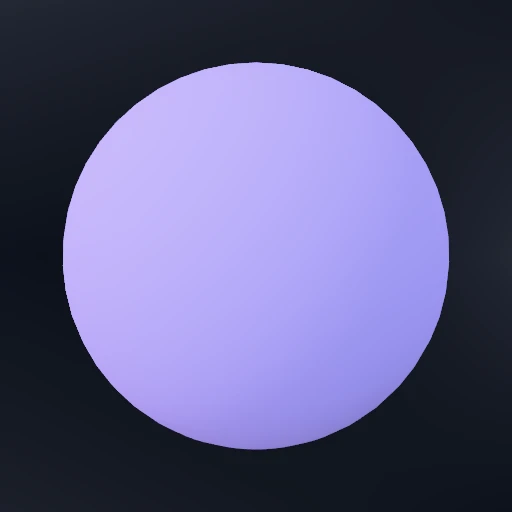
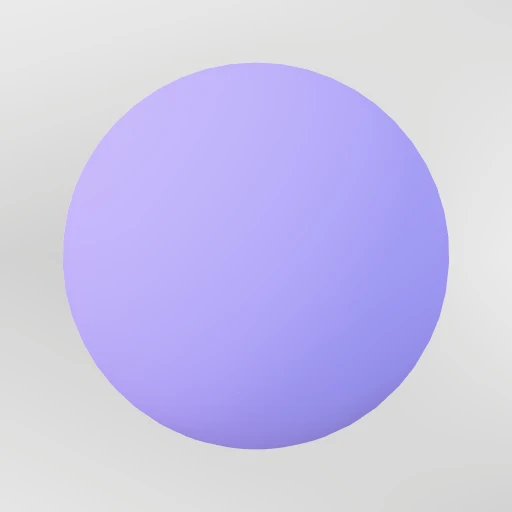 OpenMatteFlat paint. It picks up the room without ever showing a highlight.
 OpenChalkNothing reflects. Pure form, and the flattest surface here.
 OpenRubberOne soft highlight, no coat. Moulded, slightly waxy, never shiny.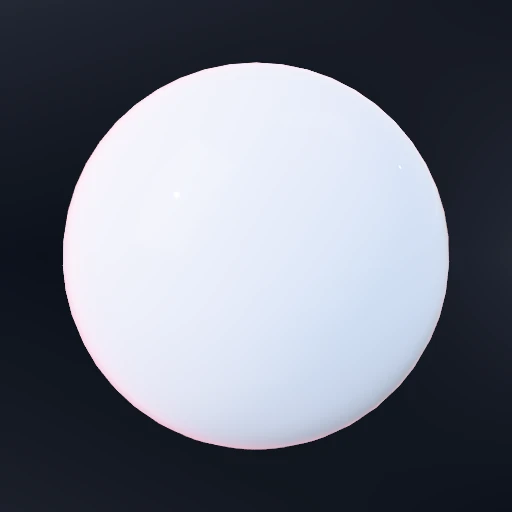
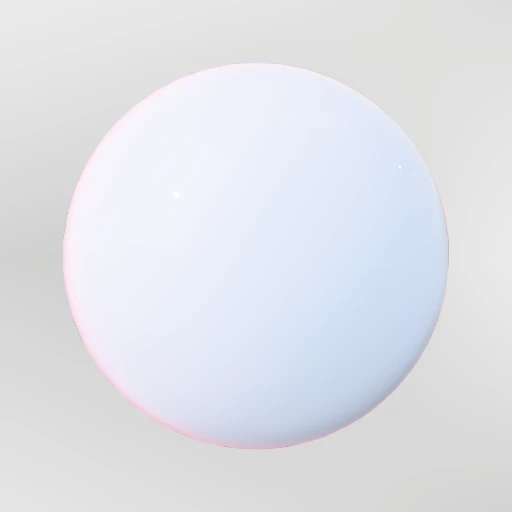 OpenPlasticA hard clear coat over a soft body. The highlight sits on top, not in it.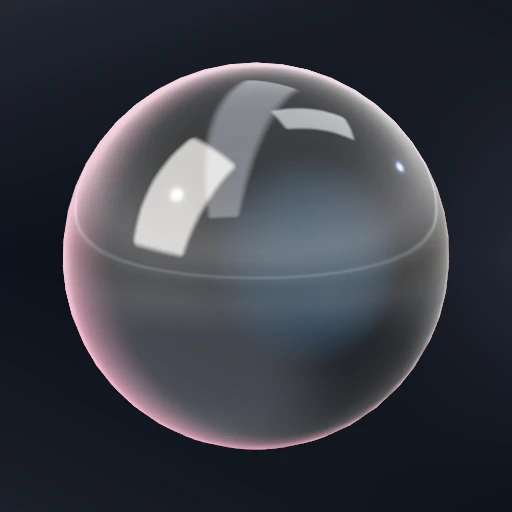
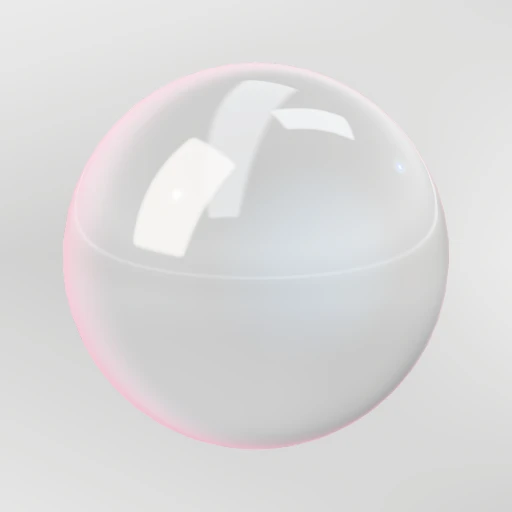 OpenGlassThin, hard and clear. Bends what is behind it and splits its colours.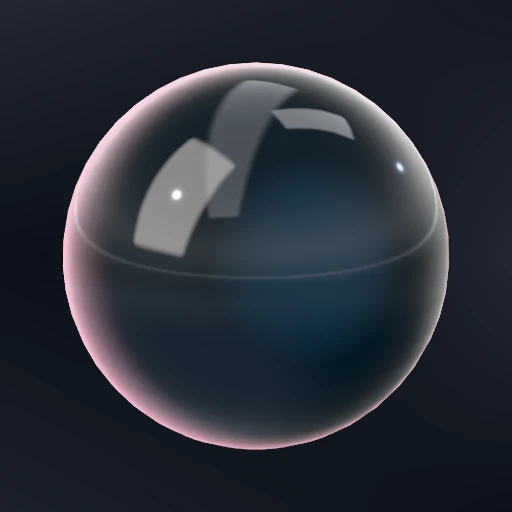
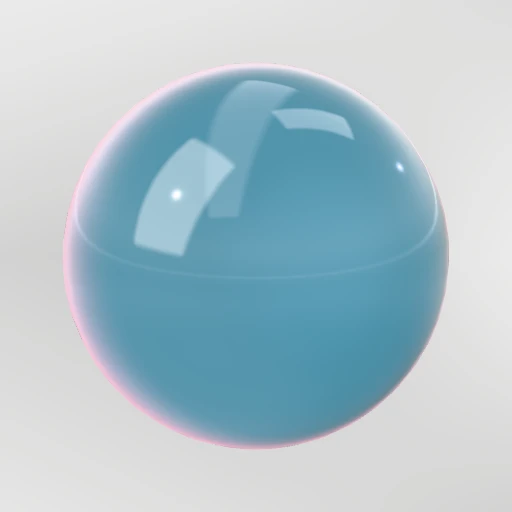 OpenLiquidDense, wet and deep. Less see-through than glass and far more coloured.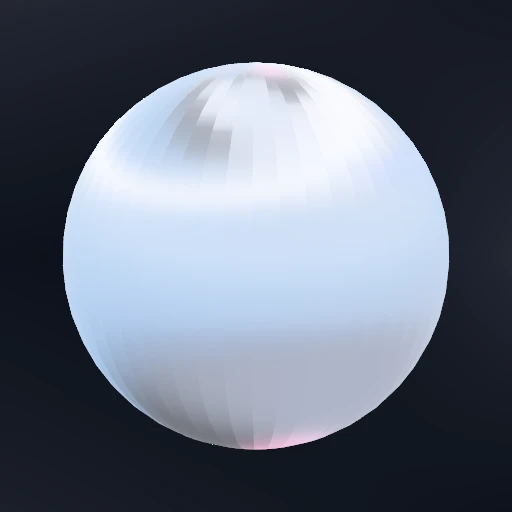
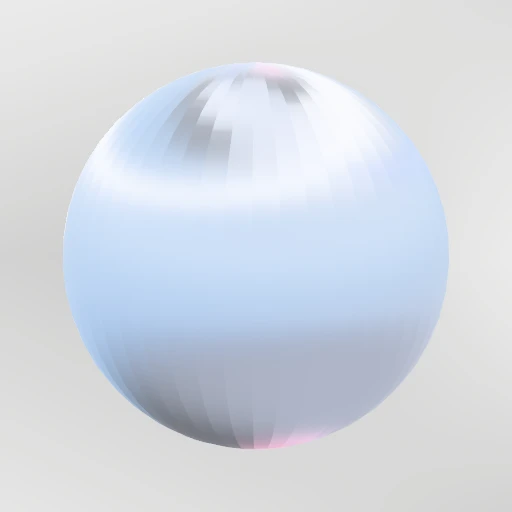 OpenMetalBrushed. The highlight stretches along the grain instead of pooling.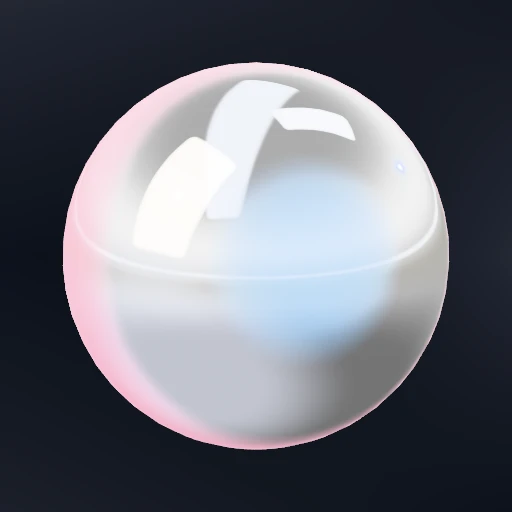
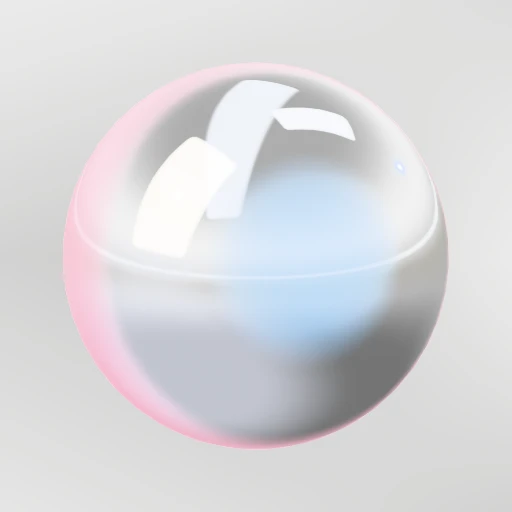 OpenChromeA mirror. It shows the environment, so the environment is the design.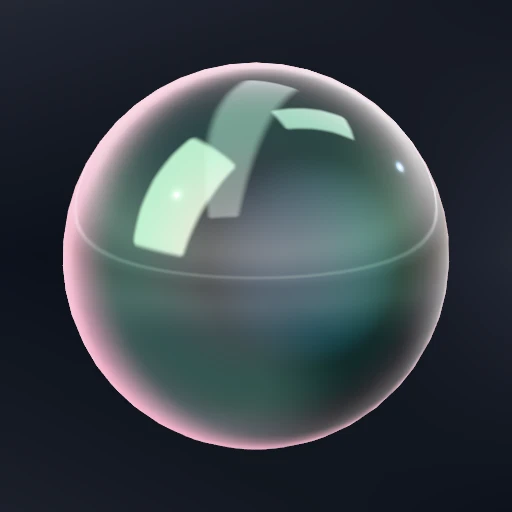
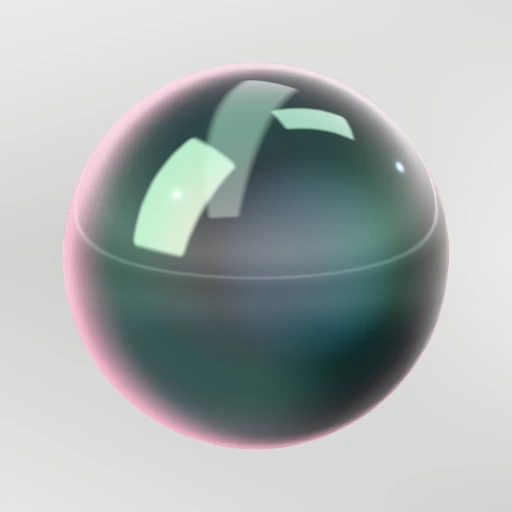 OpenIridescentA film that interferes with itself. The hue turns as the surface turns.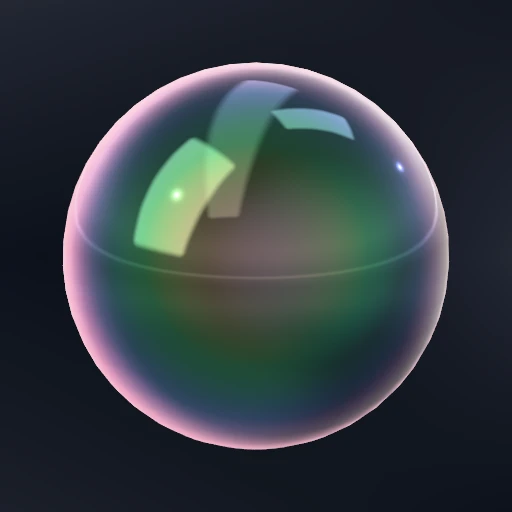
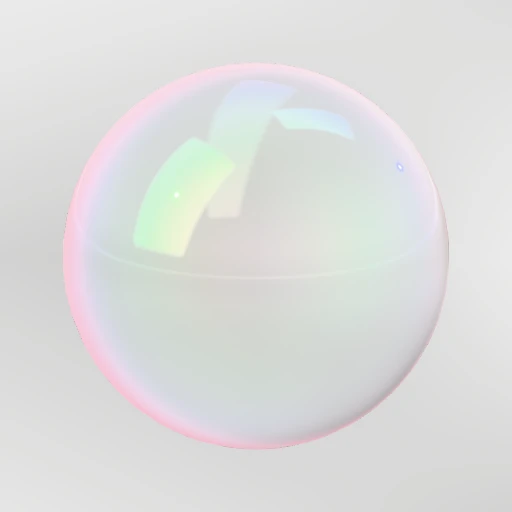 OpenBubbleA film with nothing behind it. You see straight through the middle.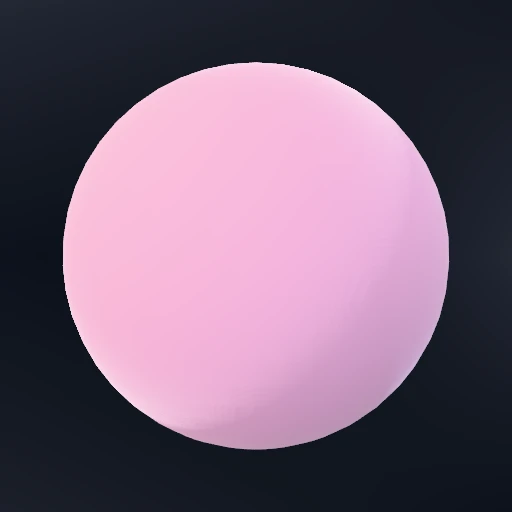
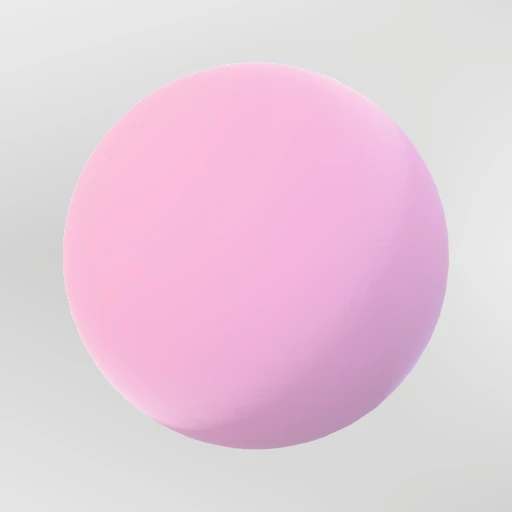 OpenFabricDark through the middle, bright at the edge. Velvet, felt, brushed cotton.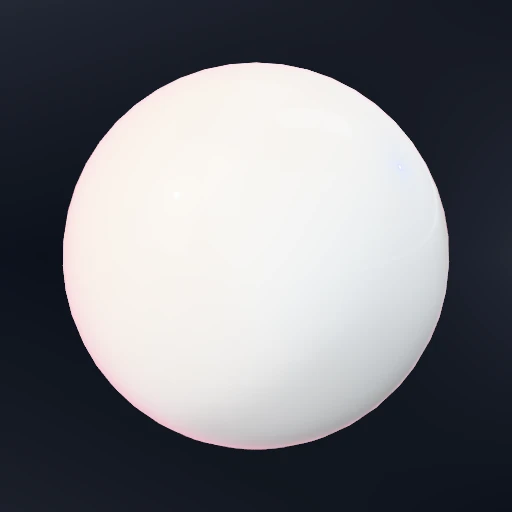
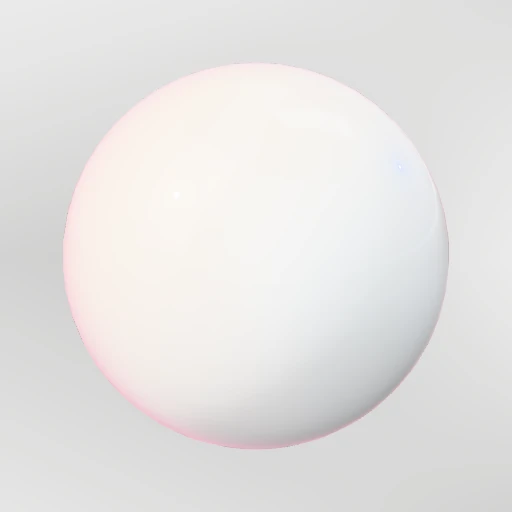 OpenCeramicLight gets into the body and comes back out. A hard glaze over that.
 OpenLightEmits rather than reflects. Pair it with Bloom in the scene stack.