

Vercel AI Gateway logs add a sessions view showing session affinity routing
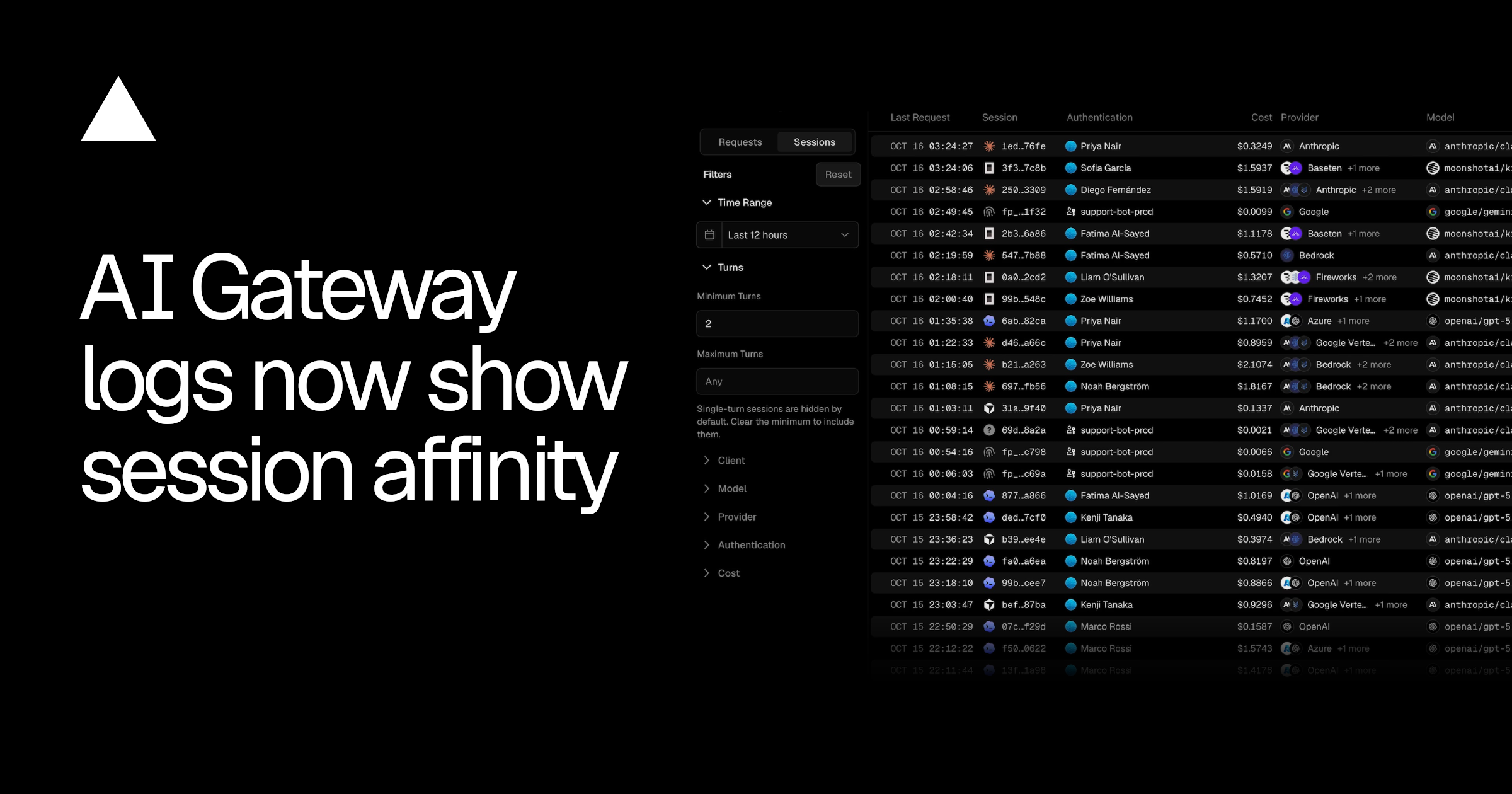
AI Gateway logs now include a Sessions view that groups requests into sessions and shows how session affinity routed each one. Each session row lists the client app that ran it (such as Claude Code, Codex, or Cursor), along with cost, models, providers, and the share of input tokens served from cache across turns.
Why it matters
Builders can see per-session cost, cache hit rate, and which provider served each turn. Session affinity sends each turn to the provider that served the previous one, so that provider can reuse most of the cached prompt, and sessions that stay on one provider read more of each prompt from cache.
Who should care
Developers running coding agents or chat applications through Vercel AI Gateway, and teams monitoring LLM cost and caching.
What you can do
Open the Sessions view in AI Gateway logs, filter for multi-turn sessions, and check the cache hit rate and provider path for your highest-cost sessions; if you need custom grouping, send the same sessionId in providerOptions.gateway or the x-session-id header on every request in a conversation.